|
 |
 |
| |
| |
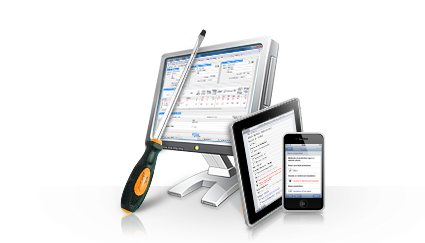
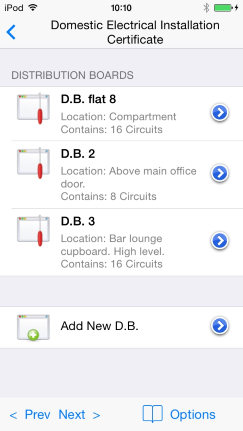
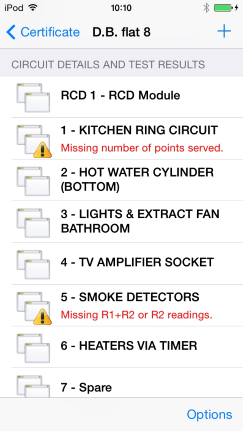
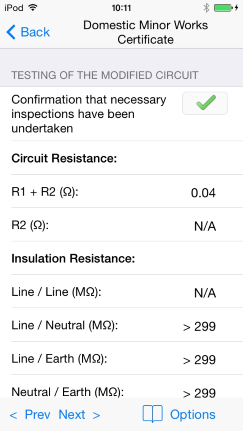
EasyCert Mobile for IPhone and IPad
EasyCert Mobile works with the
EasyCert desktop software
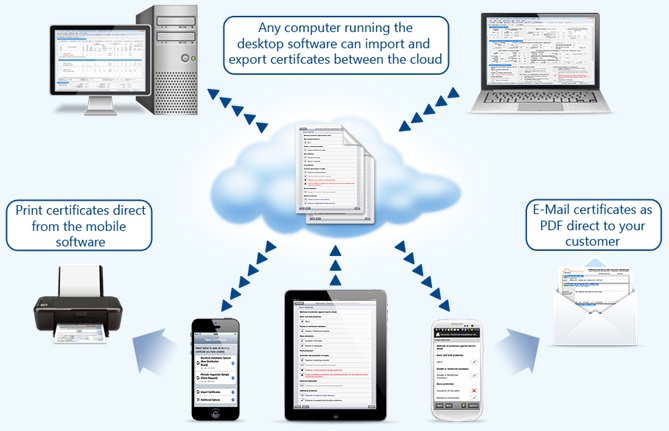
to record and input all results direct onto your phone
to be then imported into your desktop software.
EasyCert Mobile saves time and effort by not having to
write certificates by hand onsite. You only need to
input the information once and you are set. The powerful
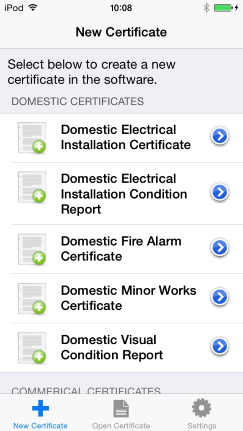
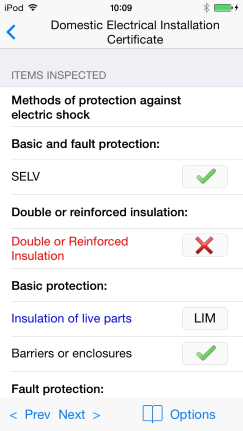
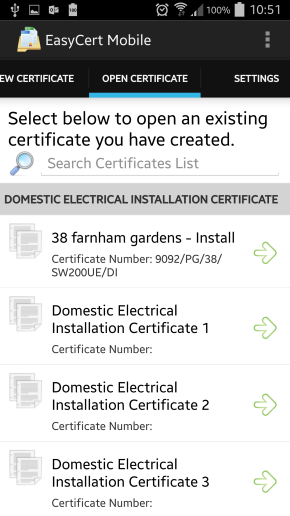
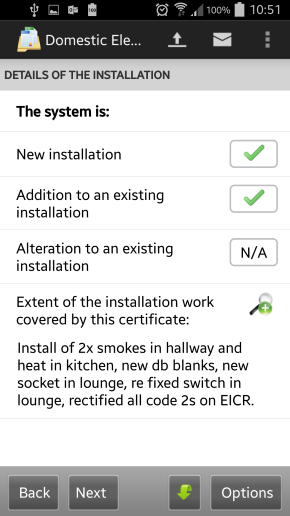
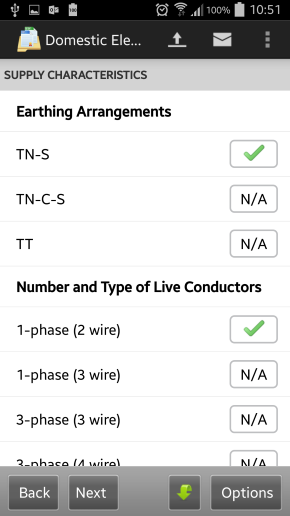
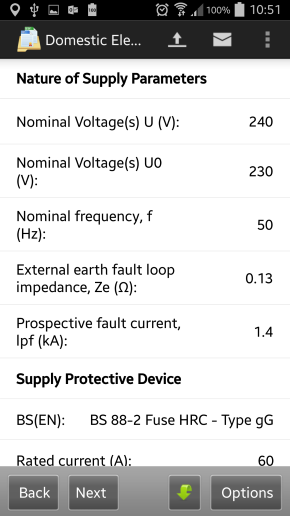
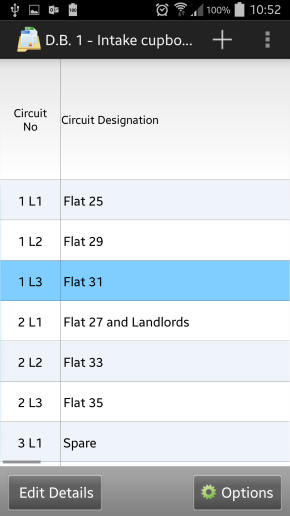
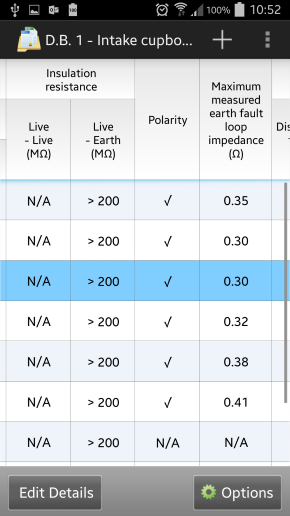
EasyCert Mobile wizards walk you through each part of the
certificate allowing you to enter the information as you
go.
On completion of reports you simply upload certificates
over your phones data connection, which can then be
instantly downloaded direct into the EasyCert desktop
software. There is no messing around connecting your
phone to your computer as everything is wireless making
it quick and easy.
You can try the EasyCert Mobile software on your IPhone
or IPad by tapping on the App Store icon on
your phone. Within the App Store tap the Search button
on the bottom right corner of your screen and enter the
word "Tysoft" to search. You can then browse all
products available to your phone or IPad developed by
Tysoft and try them before you buy or upgrade.
Alternatively you can click
here to view EasyCert Mobile in the App Store.
|
|
 |
 |
Click
here to download the
EasyCert 14 day evaluation and try for yourself! |
 |
Click here to purchase the
EasyCert Mobile software. |
| |
|
|
|
|
|
 |
 |
 |
 |
 |
 |
| |
| |
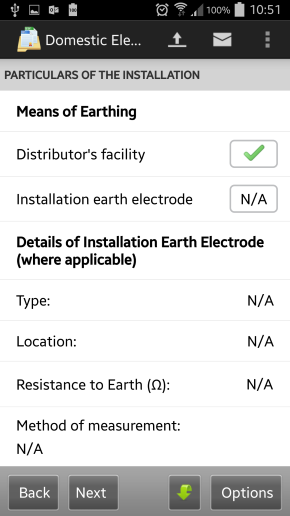
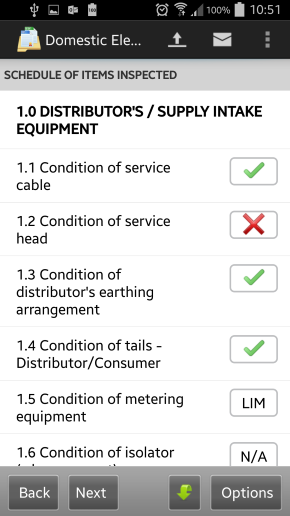
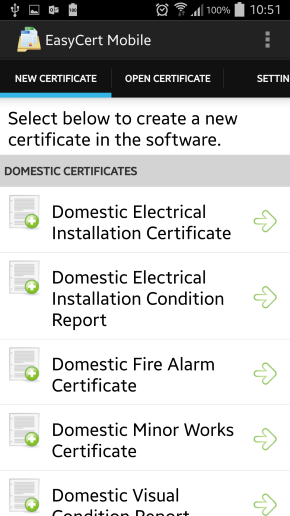
EasyCert Mobile for Windows Phone 7
EasyCert Mobile works with the
EasyCert desktop software
to record and input all results direct onto your phone
to be then imported into your desktop software.
EasyCert Mobile saves time and effort by not having to
write certificates by hand onsite. You only need to
input the information once and you are set. The powerful
EasyCert Mobile wizards walk you through each part of the
certificate allowing you to enter the information as you
go.
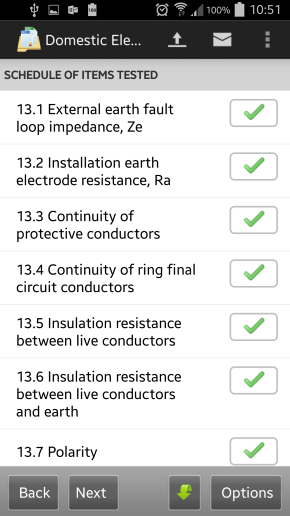
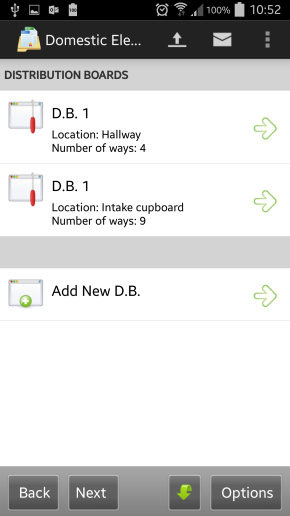
On completion of reports you simply upload certificates
over your phones data connection, which can then be
instantly downloaded direct into the
EasyCert desktop
software. There is no messing around connecting your
phone to your computer as everything is wireless making
it quick and easy.
You can try the
EasyCert Mobile software on your
Windows Phone 7 by tapping on the Marketplace icon on
your phone. Within the Marketplace tap the Search button
on the bottom right corner of your screen and enter the
word "Tysoft" to search. You can then browse all
products available to your Windows Phone 7 developed by
Tysoft and try them before you buy.
|
|
 |
 |
Click
here to download the
EasyCert 14 day evaluation and try for yourself! |
 |
Click here to purchase the
EasyCert Mobile software. |
| |
|
|
|
|
|
 |
 |
 |
 |
 |
 |
| |
| |
Please note: EasyCert Mobile contains only the software program to run on your
IPhone, IPad, or Windows Phone 7. We do not supply any
phones or hardware devices.
|
|
|
|
 |
 |
 |
|
|
|