|
 |
 |
| |
| |
EasyCert
- Electrical Software
EasyCert is used to print BS 7671 BS 5839, and BS 5266
certificates onto plain or company headed paper. The EasyCert electrical software is very
simple and easy to use and is the ideal choice for engineers
producing electrical certification. It takes the time and effort out of writing
certificates by hand, and lets the EasyCert electrical software produce professional looking certificates with ease.
The complete range of electrical certificates, fire alarm
certificates, and emergency lighting certificates can be used and printed
along with your company logo, a registered organisation logo and
even an electronic signature if required. Simply select the required
certificate from within EasyCert and enter all the required
information page by page, and click print.
|
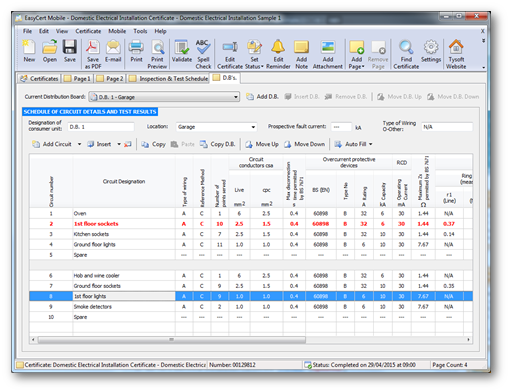 |
|
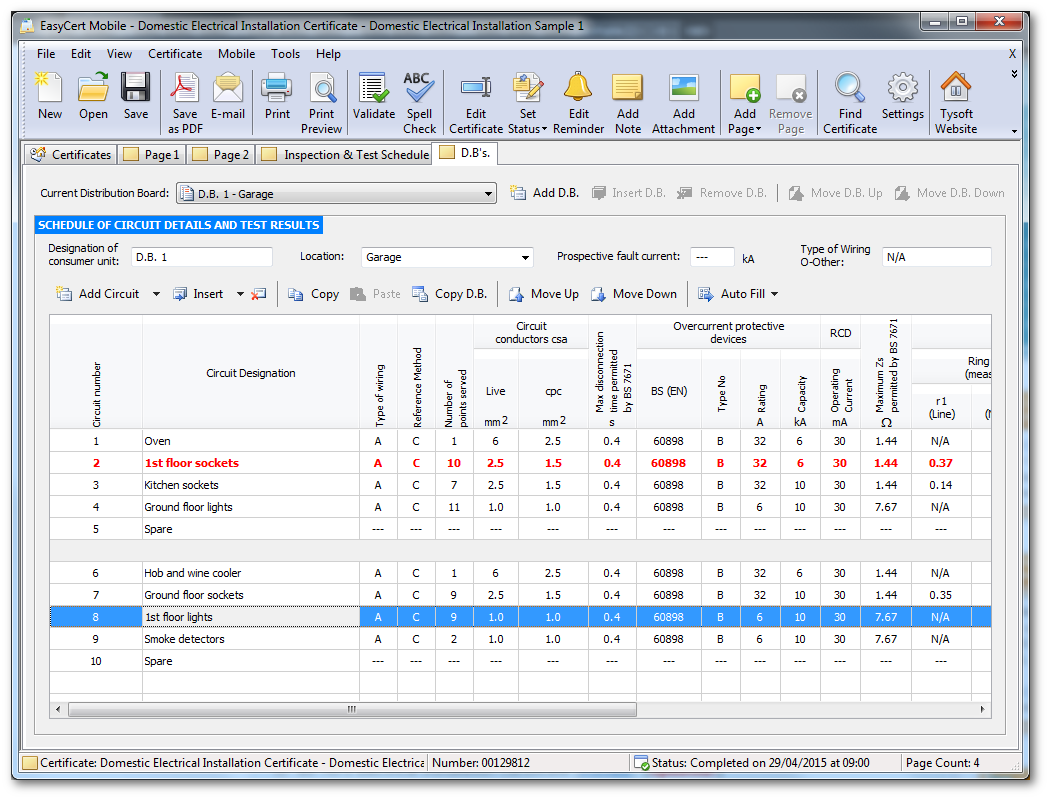
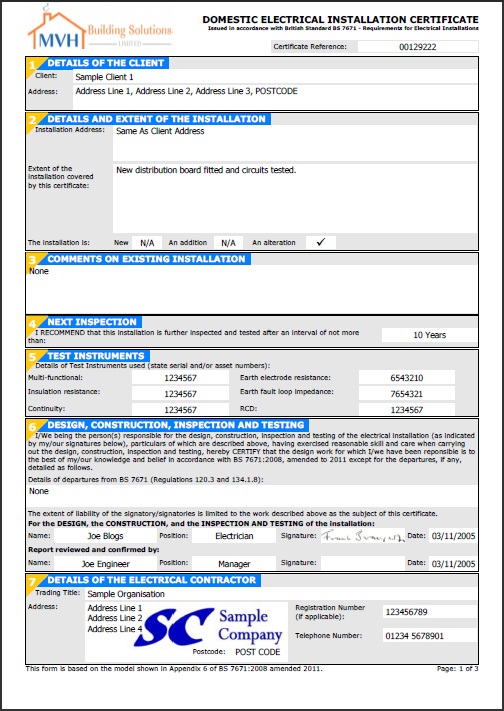
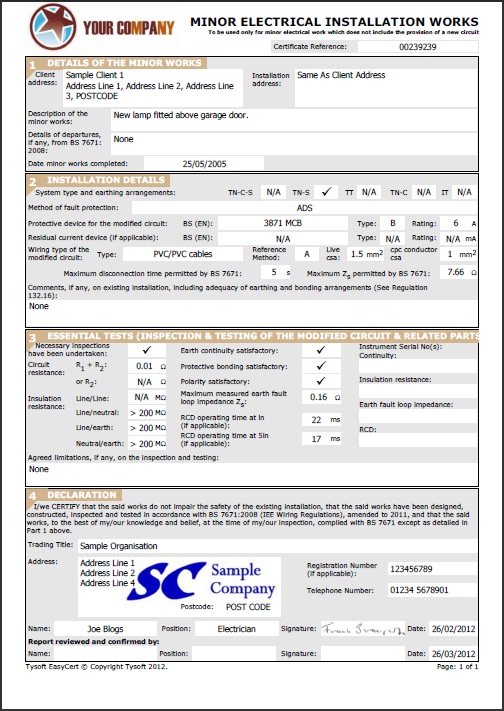
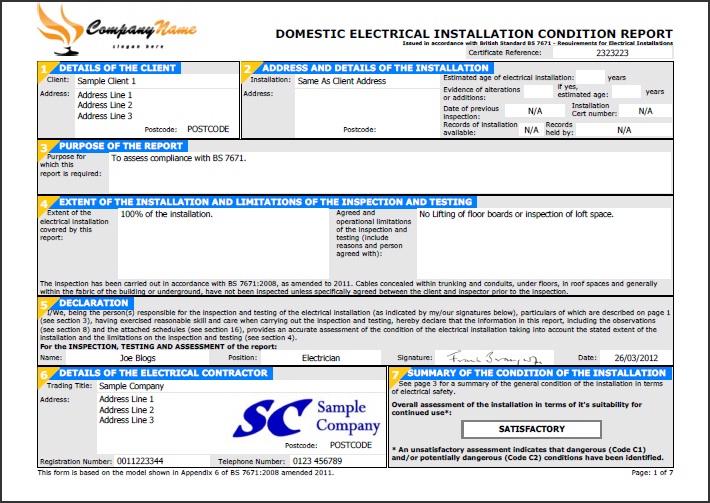
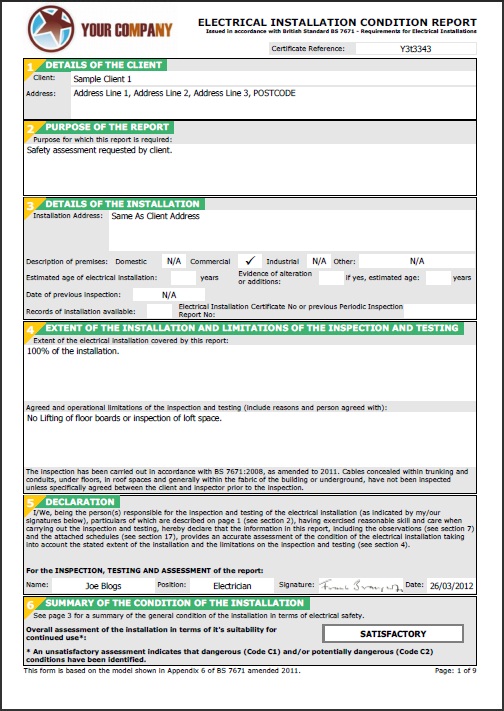
As can be seen from the screen shots below, EasyCert makes your certificates look very professional, with
very little effort. |
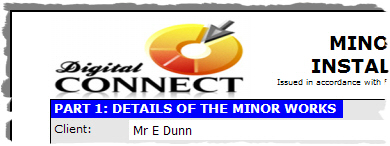
A company logo can be setup within the
software that can be printed onto all
certificates as can be seen in the preview
picture below. Complete customisation options
are provided for specifying the size and
position of your logo, including the option to
setup multiple logos if required.
|
|
|
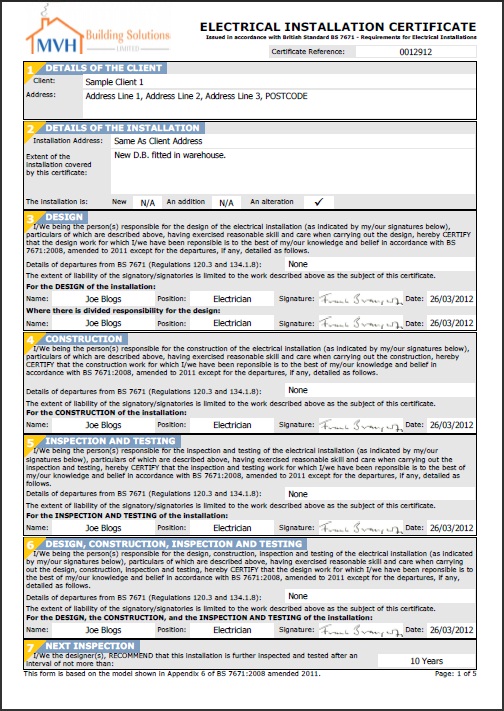
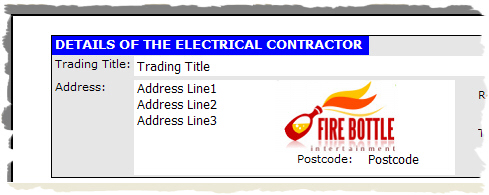
A registered organisation logo can also be
setup within the software that gets printed
within your electrical contractor details as
seen in the preview picture below. Any
registered organisation logo can be used such as
the NICEIC logo, NAPIT logo, or Elecsa logo.
Full control over the size and position of the
logo can be setup within the software, including
the option to setup multiple logos if required.
|
|
|
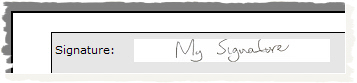
Scanned signatures
can also be setup for each engineer that can be printed
directly onto all certificates as shown in the
preview picture below. This then provides a
complete electronic certificate which can be
emailed direct to your client once completed.
|
|
|
|
 |
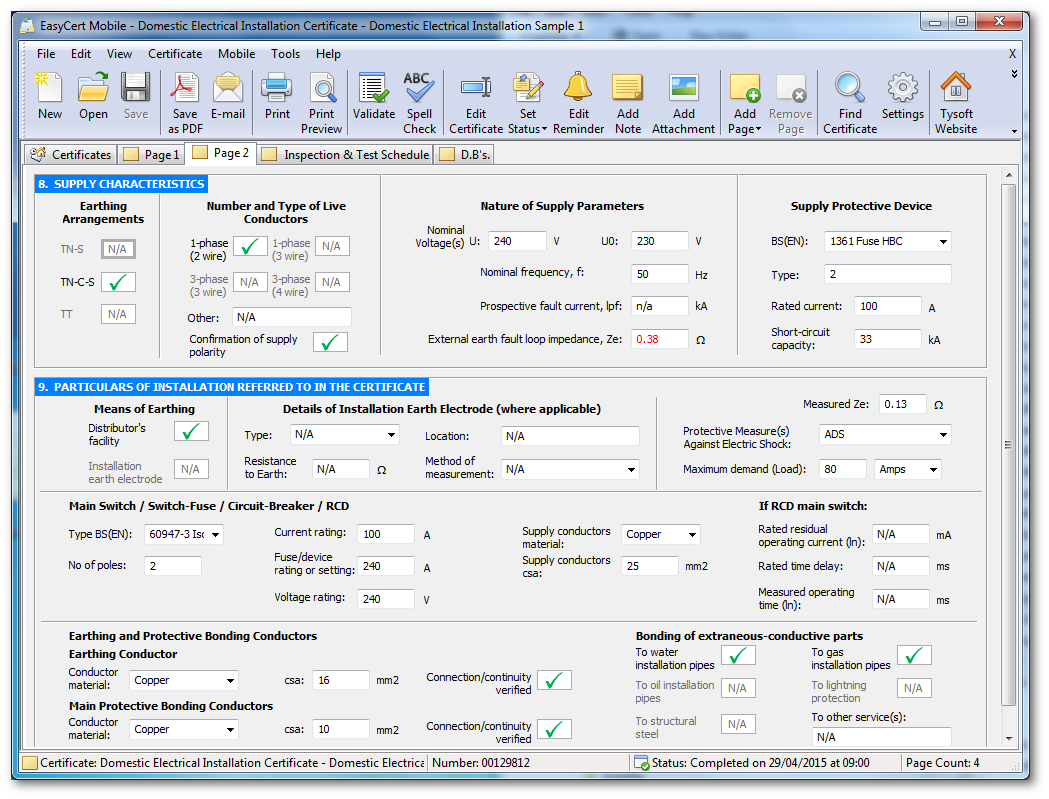
EasyCert Mobile
Also
Available!
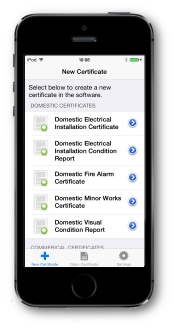
EasyCert Mobile works with the
EasyCert desktop software
to record and input all results direct onto your phone
to be then imported into your desktop software.
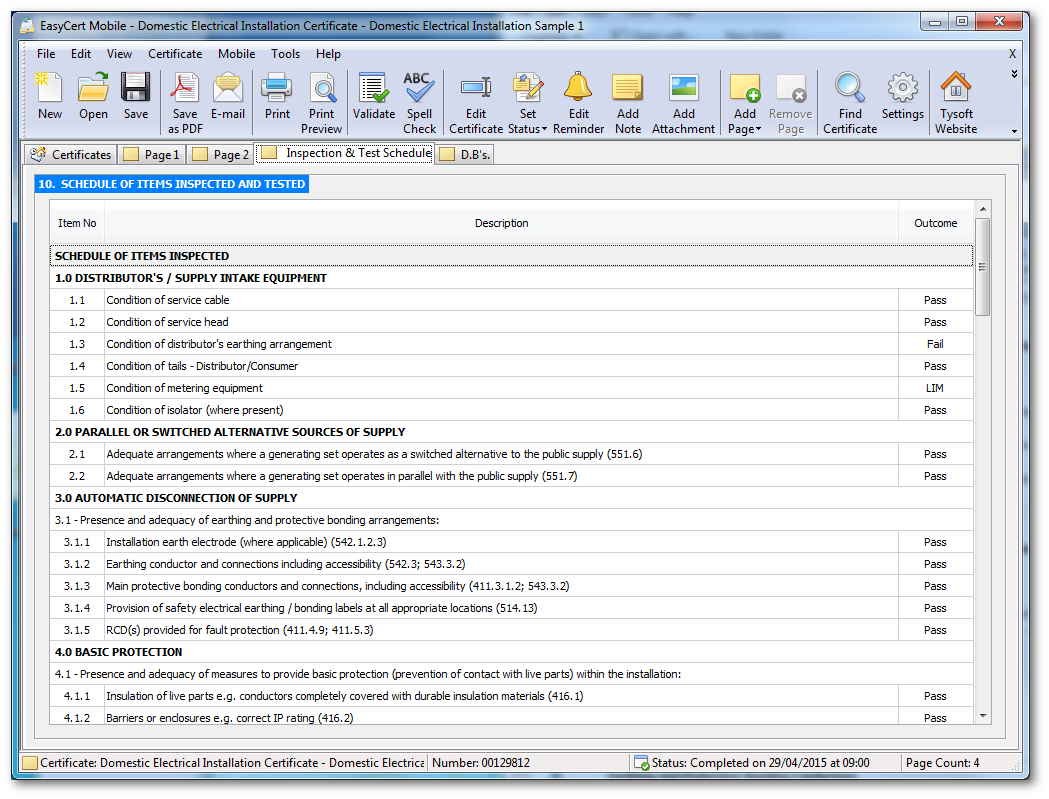
EasyCert Mobile saves time and effort by not having to
write certificates by hand onsite. You only need to
input the information once and you are set. The powerful
EasyCert Mobile wizards walk you through each part of the
certificate allowing you to enter the information as you
go.
On completion of reports you simply upload certificates
over your phones data connection, which can then be
instantly downloaded direct into the
EasyCert desktop
software. There is no messing around connecting your
phone to your computer as everything is wireless making
it quick and easy.
Click
here for more
information on EasyCert Mobile.
|
Some of the additional features
also included within EasyCert are list below.
|
 |
Email Certificates to Clients |
|
Add Photograph
Attachments |
|
|
Certificate
Reminders |
|
Import and Export
Certificates |
|
|
Validate
Certificates |
|
Add Comments Pages |
|
|
Add Company Logos |
|
Customise
Certificate Colours and Fonts |
|
|
Add Scanned
Signatures |
|
Online Web Backup |
|
|
Outlook Address
Book Integration |
|
Share Certificates using cloud system |
|
|
Save Reports as PDF
Files |
|
Postcode lookup system |
|
|
Spelling Check |
|
Support for IPhone and IPad |
|
|
Setup Certificate Templates |
|
Support for
Android tablets! |
|
|
Print Site Survey
Forms |
|
|
|
|
|
|
|
|
|
|
|
 |
|
 |
|
|
|
|
 |
Customer Care
Package Expired? |
|
|
|
|
|
Click
here to
renew your Customer Care Package for a further 12
months. |
|
|
|
|
|
|
|
|
 |
Updated
to 18th Edition! |
|
|
|
|
All electrical software now updated to BS7671:2018
Amendment 4 2026.
Click here to
download updates! |
|
|
|
|
|
|
|
|
 |
Shopping Cart |
|
|
|
|
|
|
|
|
|
|
|