|
 |
 |
| |
| |
EasyPAT
EasyPAT is used to print Electrical Equipment Testing (PAT) certificates onto plain or
company headed paper.
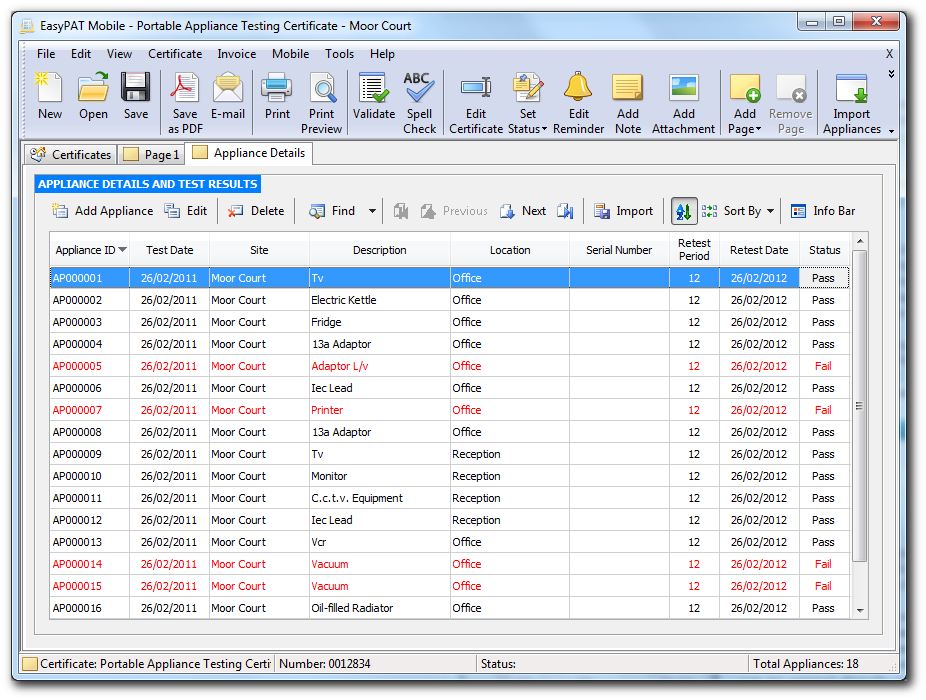
EasyPAT produces professional looking certificates
quickly and easily. Certificates can be filled in onsite or at the
office and then quickly printed or even emailed direct to your client.
All certificates can be printed directly onto plain paper, along with your
company logo and
electronic signature if required. Simply select the required certificate from within
EasyPAT and enter
all the required information page by page, and click print.
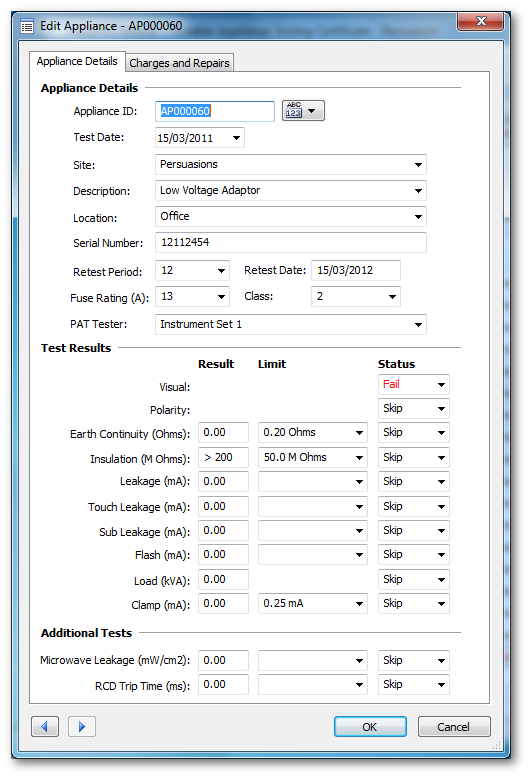
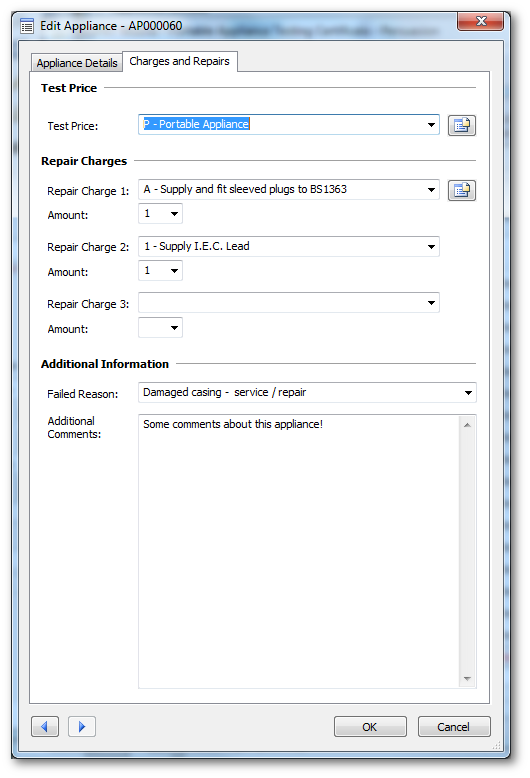
EasyPAT automatically fills in common fields for you, with complete
print preview allowing you to see exactly how your certificate is going
to look before you print it, certificate field validation, spelling
check, all from within one program.
|
 |
| |
|
| |
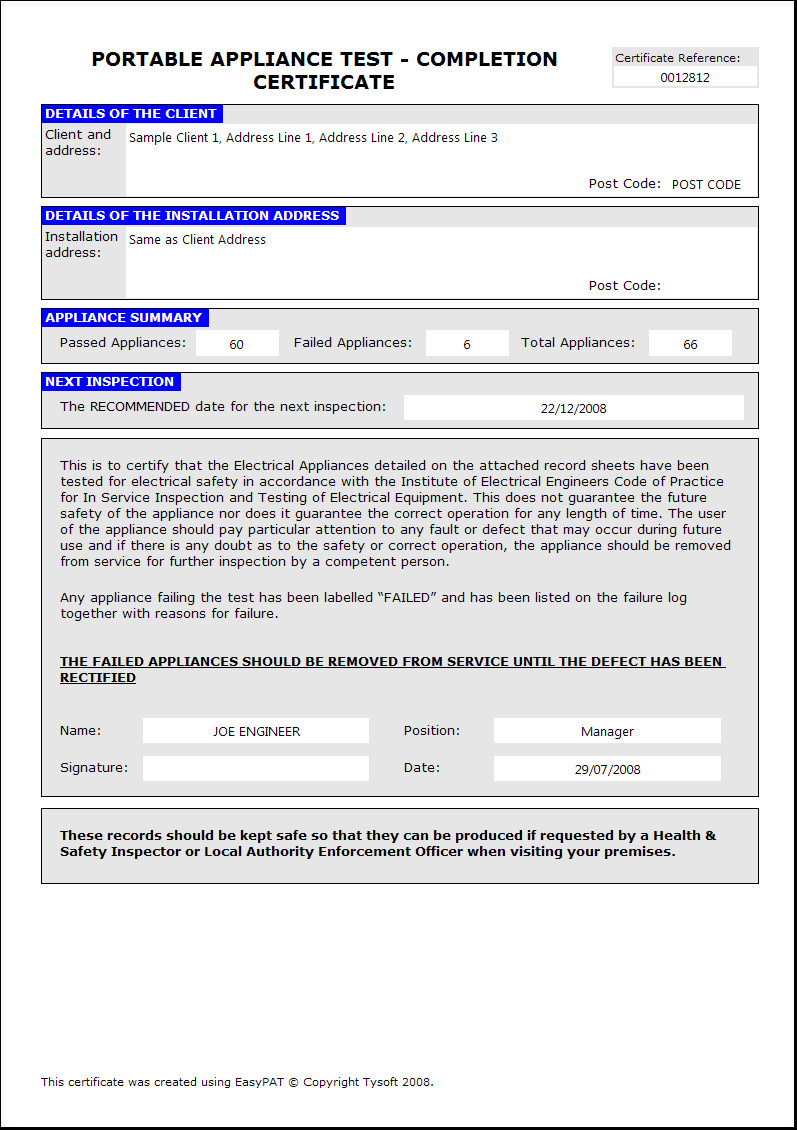
These are just a selection of the certificates currently
supported: |
 |
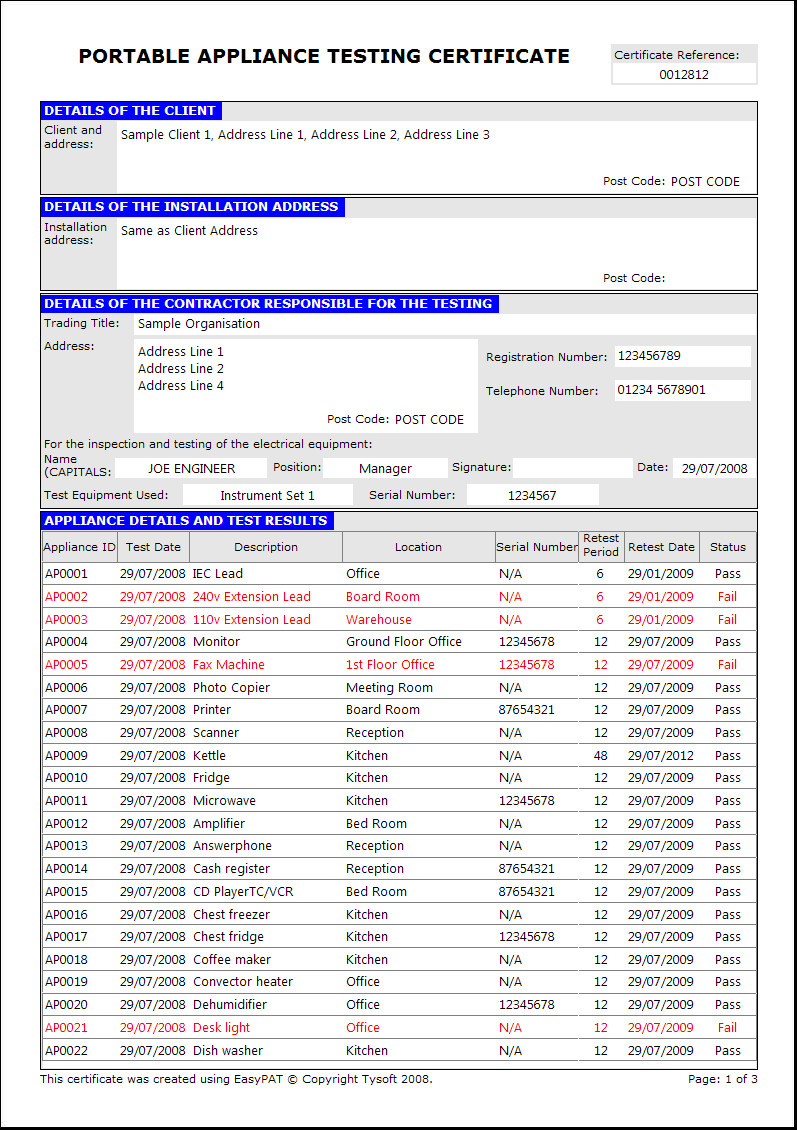
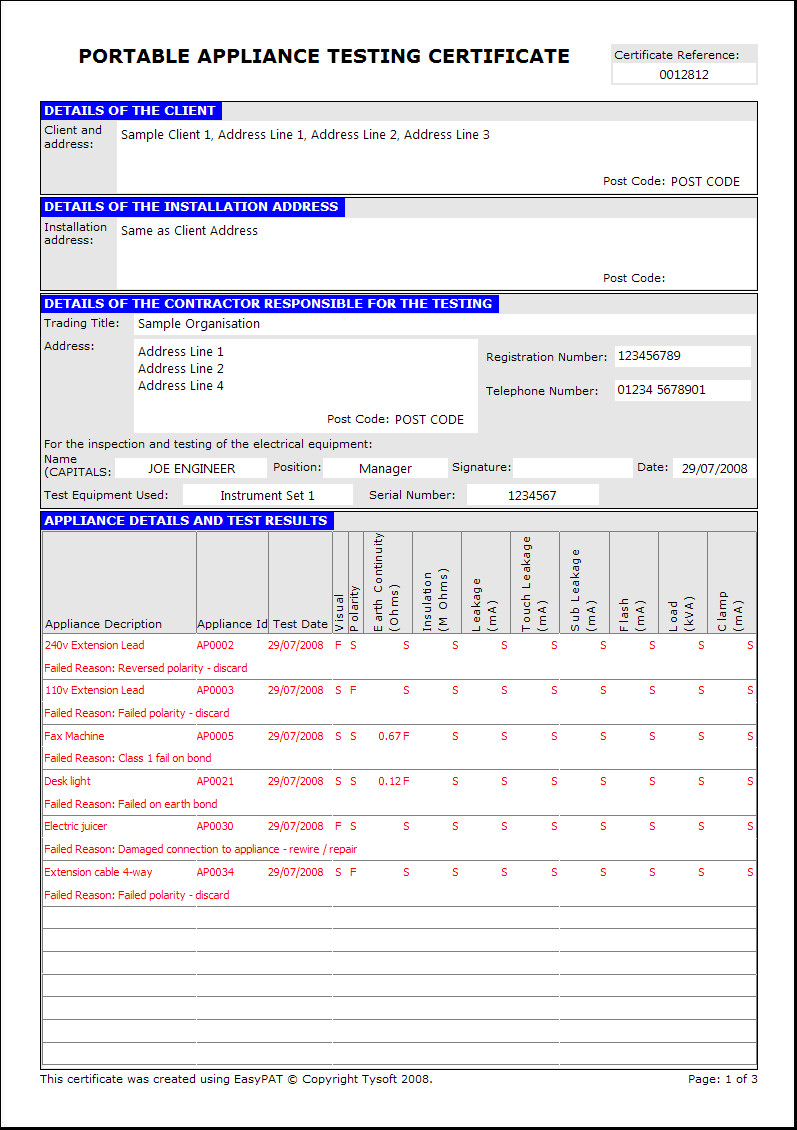
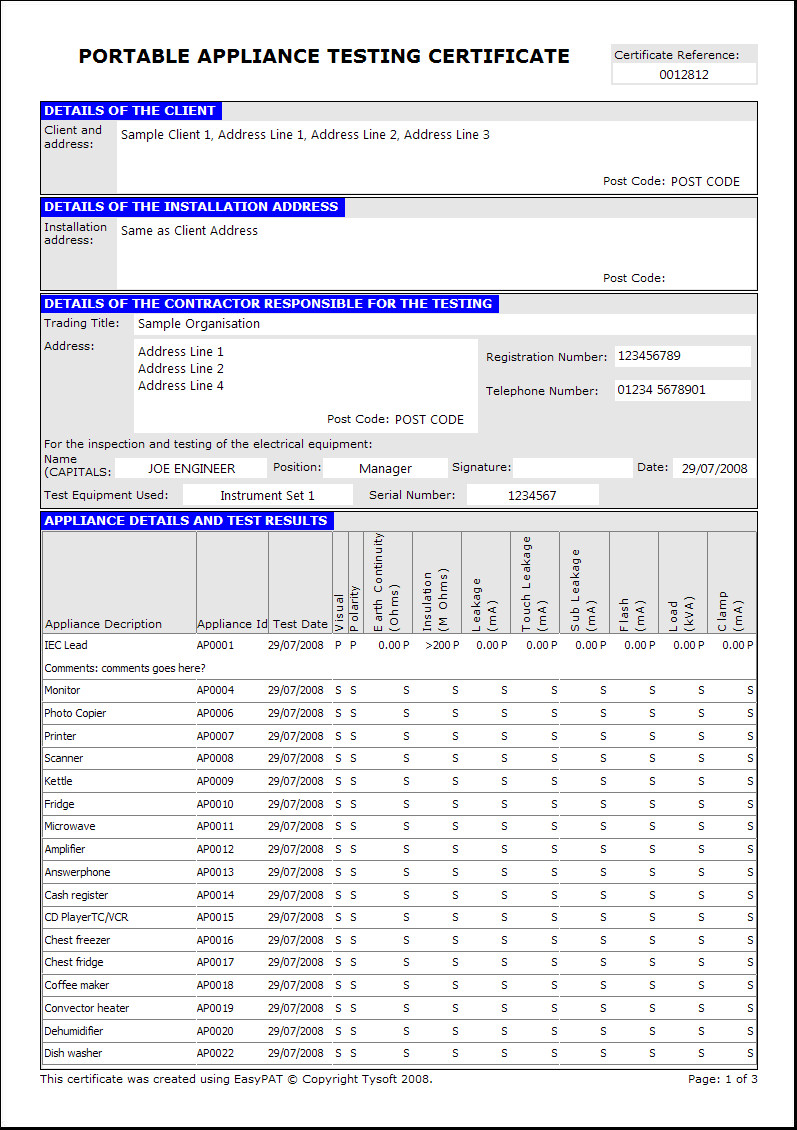
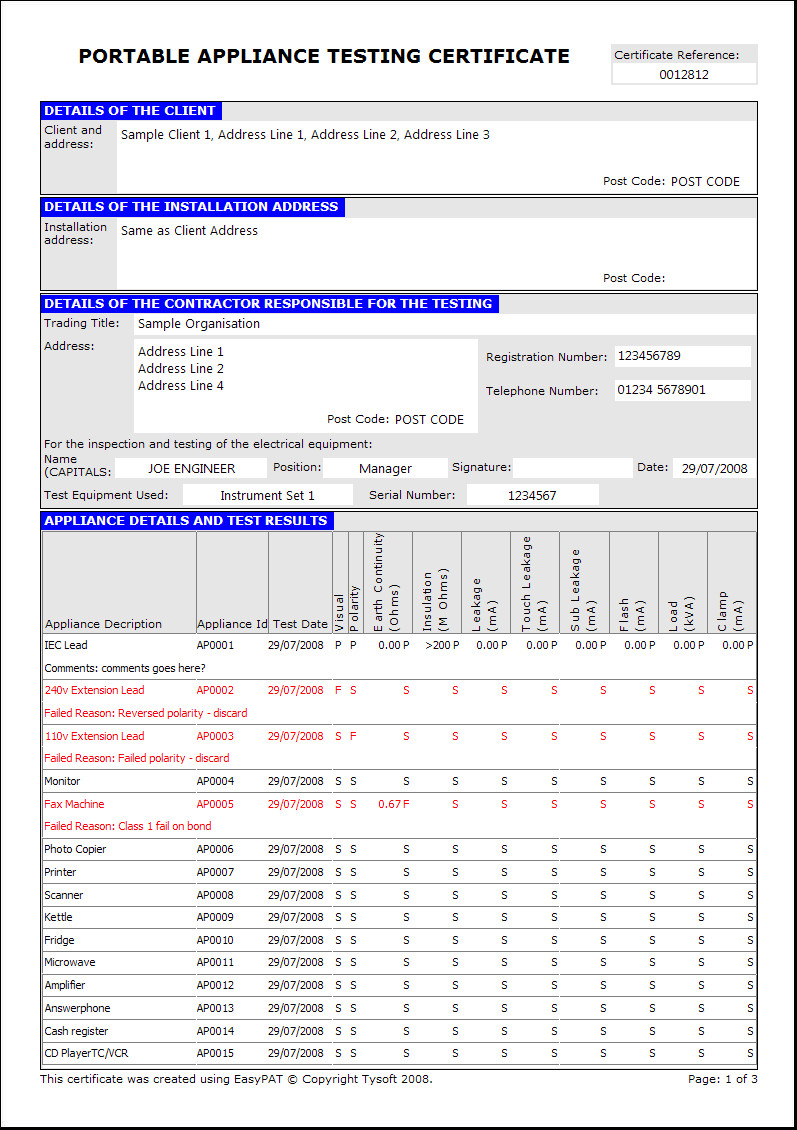
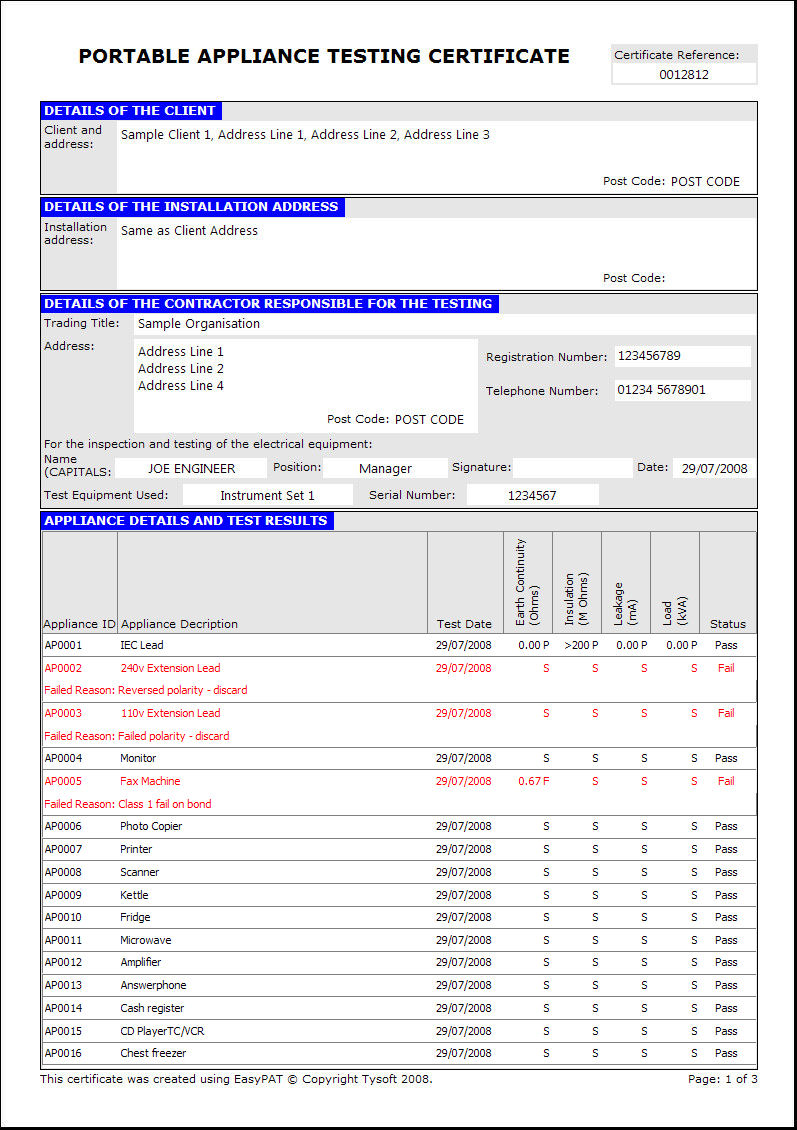
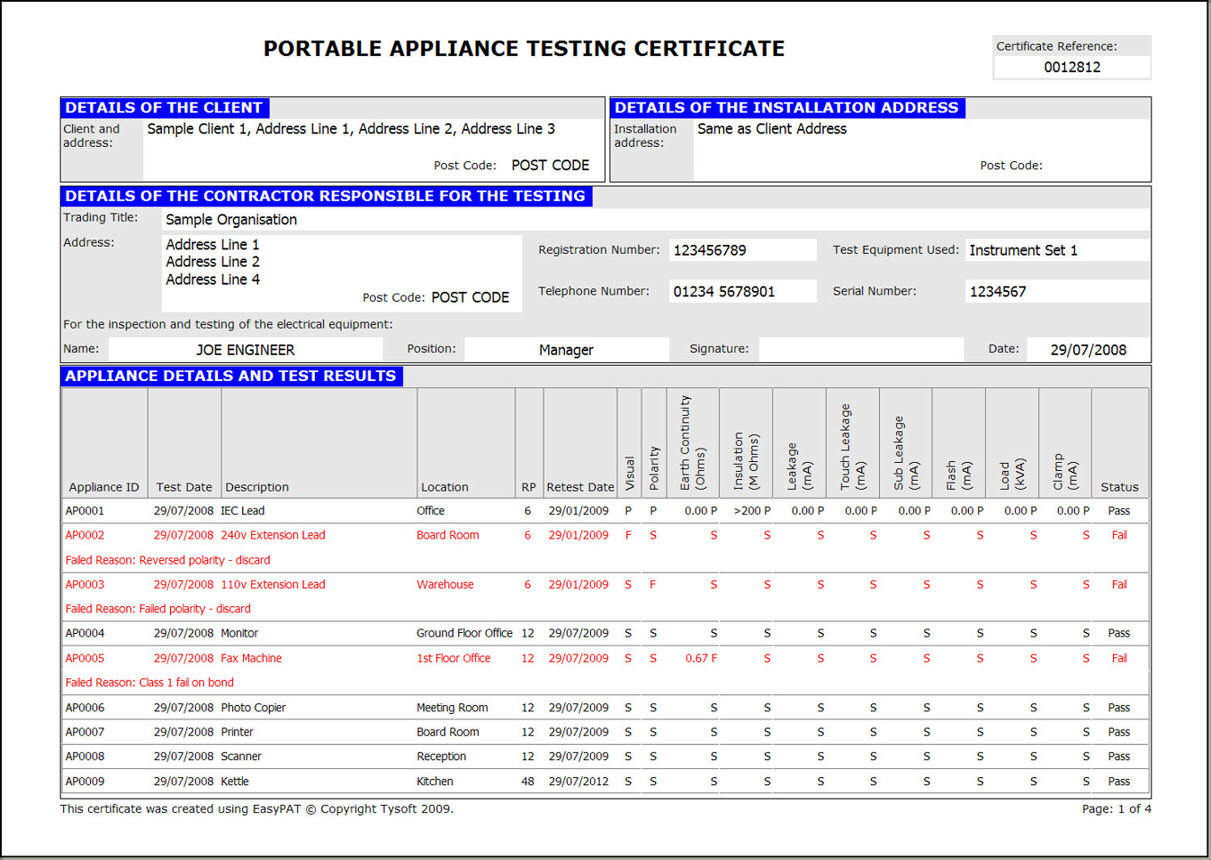
Electrical Equipment
Testing (PAT)
Certificate (Preview) |
 |
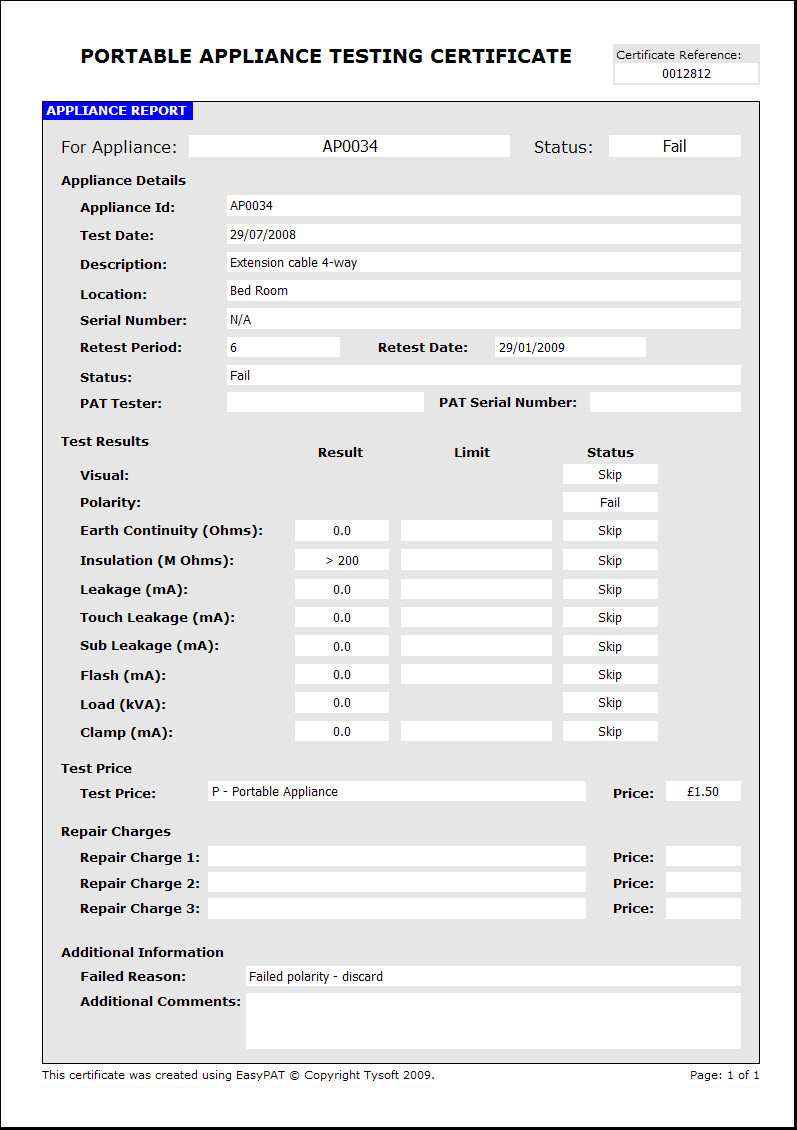
Continuation page for
Electrical Equipment (Preview) |
| |
For a complete list of
certificates,
click
here. |
|

|
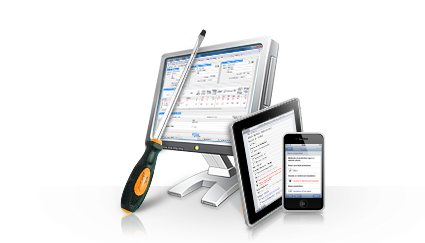
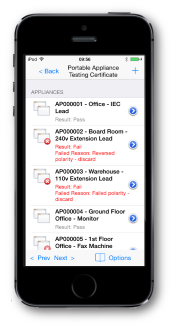
EasyPAT Mobile Also
Available!
EasyPAT
Mobile will allow you to
take your certificates on the road with you via your handheld
PDA device. This enables you to enter all certificate information such
as test results and measurements directly onto your
PDA device onsite. This information can then be synchronised
with your desktop computer at your office from which you
can print your certificate.
EasyPAT
Mobile saves time and effort by not having to
write certificates by hand onsite. You only need to
input the information once and your set.
Click
here for more
information on
EasyPAT
Mobile. |
Listed below you will find some of the additional
features that makes EasyPAT produce professional looking
certificates with easy.
|
 |
Email certificates to Clients
Certificates can also be saved as Adobe Acrobat PDF
Documents. Use this to send a copy of your certificates
to customers by email for review, or simply as a
backup.
|
 |
Print Site Survey Forms
Print site survey forms for all certificates onto plain paper. Site survey forms can be
used onsite for filling in the information by hand.
|
 |
Print Preview
Complete print preview is supported for each
page so you can view exactly how your certificate is
going to look before you send it to the printer.
|
 |
Powerful Check-In and Check-Out Certificates
You can easily transfer certificates between your main
PC and your laptop using the Check-In and Check-Out system. |
|
 |
What makes EasyPAT better than the rest is its simplified, easy to
understand user interface. Not only does EasyPAT make your certificates
look more professional, its much easier and quicker too!
|
 |
 |
Create certificate
templates
Setup your own custom certificate templates that
contain all the information exactly how you want it.
Then each time you create a new certificate, all your
information is automatically entered.
|
 |
Validate
Certificates
You can validate your certificates at any time and
easily identify any errors or missing fields before
printing.
|
 |
Certificate
Reminders
Set reminders for certificates to have EasyPAT notify
you when a new test is due so you can notify the client. |
|
| |
|
 |
Add your company logo |
 |
Add your scanned
signature |
 |
Outlook Address Book
integration |
 |
Customise printer font
style and certificate colours |
 |
Security options to
set a username and password |
 |
Spelling check |
| |
|
 |
Download the EasyPAT evaluation and try for yourself! |
|
|
|
|
 |
|
|
|
|
 |
 |
 |
|
|
|